
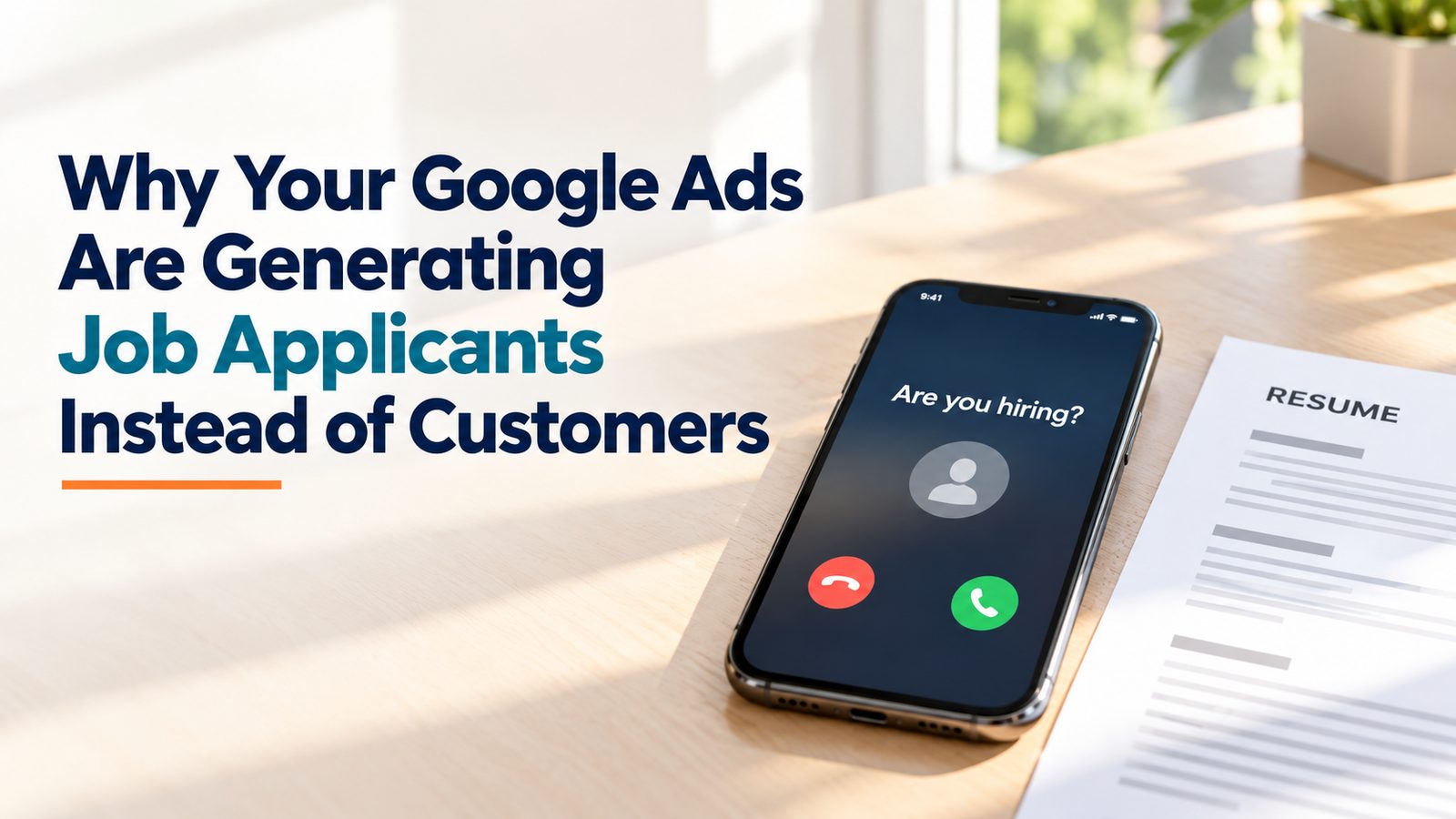
The phone rings. Your office manager picks up, ready to book a job, and the caller asks if you're hiring. Ten minutes later, another one. Then a third asks about warehouse shifts, and you don't even have a warehouse.
If that sounds familiar, your Google Ads account is probably paying for it. Google Ads spam calls from job seekers are among the most common problems I see when local service businesses start advertising, and one of the most fixable. They show up for restoration companies, interior designers, home service trades and plenty of others. The cause is almost always the same, and so is the fix: a well-built set of negative keywords, plus regular checks on where your ads are actually showing.
Here is why it happens, what it really costs you, and how to shut it down.
Why job seekers find your ads in the first place
Google is trying to match your ads to searches it thinks are related to your business. A person searching "water damage restoration near me" and a person searching "water damage restoration jobs near me" look very similar to an algorithm. Both name your service. Both are local. Unless you tell Google otherwise, it can treat the job seeker as a reasonable match.
A few things make this worse.
Broad match and loose phrase match. Broad match keywords give Google a lot of room to decide what's "related." Over the last few years that room has grown. Searches containing words like "hiring," "careers," "apply" or "pay" can slip in next to your service terms, and you won't know until you look at the search terms report or the phone starts ringing.
Call ads and call assets. On a phone, a call button is one tap. Someone scrolling job results sees your business name, assumes you're hiring, and taps call. That person never visits your website, never reads anything, and never had any intention of buying.
Display and Performance Max placements. This is the part many advertisers miss. If you run Performance Max or any Display campaigns, your ads can appear on websites and apps, not just Google search results. Some of those placements are job boards, "get paid to apply" sites, or low-quality pages built to generate clicks. There are schemes out there that route traffic from these kinds of sites into advertisers' ads. The clicks look real in your reports. The calls and form fills are not customers.
It's not just wasted budget
The obvious cost is money. Every hiring click or call you pay for is budget that didn't reach a real customer. On a small account, a burst of these can eat a meaningful share of a day's spend before lunch.
But what I tell clients is that the bigger cost is usually time and disruption. We had a client call us after a single hour in which they got a whole run of hiring calls back to back. Their team stopped what they were doing to answer each one. Real customers may have hit a busy line. Staff got frustrated. Someone started to wonder whether Google Ads was worth it at all.
That's the real danger. Spam calls don't just waste a few dollars. They make a working channel feel broken, and owners sometimes turn off campaigns that would be profitable once they're cleaned up.
They also distort your data. If hiring calls count as conversions, Google's automated bidding learns that those searches and placements "work." It then goes looking for more of them. Left alone, the problem compounds.
Fix #1: Build a robust account-level negative keyword list
Negative keywords tell Google which searches you never want to show up for. The most effective way to block job seekers is a shared negative list applied at the account level, so every campaign is covered, including new ones you launch later.
A solid starting list for most local service businesses includes terms like:
- jobs, job, hiring, hire me, now hiring
- careers, career, employment, employer
- apply, application, resume, interview
- salary, pay, wage, hourly, per hour
- part time, full time, entry level, internship, apprentice
- indeed, glassdoor, ziprecruiter, linkedin
- training, certification, course, school (if you don't offer them)
- technician jobs, driver jobs, warehouse, labor
Be thoughtful with a few of these. "Hire" can be tricky, because "hire a restoration company" is exactly the customer you want. That's why "hiring" and "now hiring" work better than "hire" on its own. Likewise, "training" might be a real service for some businesses. A good list blocks job intent without blocking buyers.
This is not a one-time setup. New variations show up constantly. A client will call and say, "We just got a call about warehouse jobs," and the next step is to find the search that triggered it and add that term as a negative. Over months, the list gets sharper and the junk calls drop.
Fix #2: Read your search terms report every week
The search terms report shows the actual words people typed before they clicked your ad. It is the single best early warning system you have.
Look for any search that mentions work, pay, applying or a job board. Add those terms as negatives. While you're in there, you'll usually find other waste too: DIY searches, searches for a competitor's job openings, or searches in a city you don't serve.
If you only check this report once a quarter, a bad search can run for weeks. Weekly is the right rhythm for most local accounts, and more often right after launching a new campaign.
Fix #3: Clean up your placements
If you run Performance Max or Display, keywords alone won't solve this. You also need to control where your ads appear.
In practice, that means:
- Reviewing placement reports to see which websites and apps showed your ads.
- Excluding job boards, career sites and "work from home" pages that have no business showing ads for a restoration company or a designer.
- Excluding low-quality and spammy sites that send clicks but never real leads. If a placement has a high click-through rate and zero real customers, treat it as a red flag, not a win.
- Using account-level placement exclusions so the cleanup applies everywhere, not just to one campaign.
We've had to do a lot of placement cleanups for clients to shut these patterns down. It takes some digging, and new sites keep appearing, so it's part of ongoing management rather than a single fix.
Fix #4: Give job seekers somewhere else to go
Some job seekers will always find you. You can at least make sure they don't come in through your paid ads or your sales line.
- Add a clear careers page to your website, linked in the footer, with its own email or form for applicants. When someone searches for jobs at your company, you want that page to answer them for free. If your site doesn't make this easy, it's worth a look at your website design.
- Keep your Google Business Profile accurate. Job seekers often find a business through its profile and call the main line. A well-maintained Google Business Profile with clear services and a link to your site helps set expectations.
- Use call tracking that separates ad calls from other calls, so you can tell which hiring calls actually came from ads and which came from somewhere else.
- Don't count every call as a conversion. Set a minimum call length, or better, mark real leads after the fact. That way automated bidding learns from customers, not applicants.
Why previous agencies often can't solve it
When a business owner tells me another agency couldn't fix their hiring calls, the account usually has the same pattern. A short negative list was built at launch and never touched again. Nobody was reading the search terms report. Performance Max was running with no placement review at all. And every call was counted as a conversion, so Google kept chasing more of them.
None of that takes rare expertise. It takes attention, week after week. In my view, this is the clearest test of whether someone is actually managing your account or just watching it. A well-run Google Ads account gets more precise over time. A neglected one gets noisier.
If spam calls are a symptom of a broader question, such as whether your ad spend, website and local listings are working together, that's where marketing consulting can help you step back and look at the whole picture.
The short version
Hiring calls from Google Ads are common, frustrating and very fixable. Build a strong account-level negative keyword list. Check your search terms every week. Clean up your Display and Performance Max placements. Give job seekers a better path than your sales line. Then keep doing it, because the problem doesn't stay solved on its own.
If your phone is ringing with applicants instead of customers, book a free consultation and I'll take a look at where those calls are coming from.
Frequently asked questions
Why am I getting so many job applicant calls from my Google Ads? Google is matching your ads to searches that mention your service plus job-related words like "hiring" or "careers," or showing your ads on job boards and low-quality sites through Display or Performance Max. Without negative keywords and placement exclusions, Google treats those people as relevant, and call buttons make it one tap for them to reach you.
What negative keywords should I add to stop hiring calls? Start with job-intent terms such as jobs, hiring, careers, employment, apply, resume, salary, hourly, part time, internship, and the names of job boards like Indeed and Glassdoor. Apply them as a shared list at the account level so every campaign is covered. Then add new terms from your search terms report every week.
Do negative keywords stop spam in Performance Max? They help, but they aren't enough on their own. Performance Max can show your ads on websites and apps, so you also need to review placements and exclude job boards, career sites and spammy pages. Both steps together do far more than either one alone.
Are hiring calls hurting my Google Ads results beyond the wasted clicks? Yes. If those calls count as conversions, Google's automated bidding learns to find more people like them. They also take your team's time and can block real customers from getting through. Counting only qualified calls as conversions keeps bidding focused on actual buyers.
How long does it take to get hiring calls under control? Most accounts see a noticeable drop soon after a solid negative list and placement cleanup go in. Getting close to zero is an ongoing process, because new search variations and new spammy sites keep appearing. Weekly reviews are what keep it under control.