
If you want to rank higher on Google Maps, you need to understand what Google wants. At its core, the local search algorithm is trying to give a searcher the best possible real-world solution to their problem. It boils everything down to three key ideas: proximity, prominence, and relevance.
Your entire local SEO strategy is really about making sure your business sends the strongest possible signals in each of these three areas.
Your Foundation for Google Maps Success
Before diving into the nitty-gritty of optimizing your profile, let's step back and understand the game we're playing. Google Maps isn't just a digital map; it's one of the most powerful tools for bringing customers to your door.
Think about it. When someone searches for "plumber near me," they have a leaking pipe right now. They're not just browsing—they're looking for an immediate solution. Your goal is to be the first, most trustworthy business they see.
To do that, you need to understand how Google's local algorithm thinks. It essentially asks a few simple questions before showing results:
- Is the business close to the person searching? (Proximity) This one's pretty straightforward. Google gives a natural advantage to businesses that are physically near the searcher. While you can't just move your office, you can make sure your address is listed with 100% accuracy everywhere it appears online.
- Is this business well-known and reputable? (Prominence) This is all about your business's authority, both online and off. Google is looking at signals like the number of reviews you have (and how good they are), mentions on other quality websites, and general brand recognition.
- Does this business actually do what the searcher is looking for? (Relevance) This is a matching game. How well does your Google Business Profile (GBP) match what the user typed in? It’s about choosing the right business categories, listing all your services, and using the language your customers use.
- Primary Category: Get specific. Don't just pick "Restaurant." If you're an Italian restaurant, choose "Italian Restaurant." If you serve vegan food, pick "Vegan Restaurant." This one choice dictates the most important searches you'll rank for, so make it count.
- Secondary Categories: This is not the place to be modest. Think about all the other things you do. A "Landscaper" might also be a "Lawn Care Service" and a "Tree Trimming Service." Adding these helps you show up for a much wider range of relevant local searches.
The Three Pillars of Local Ranking
These three factors—proximity, relevance, and prominence—are the legs of the stool. They all work together to support your ranking. A business that’s a bit farther away but has an incredible five-star reputation (high prominence) can absolutely outrank a closer competitor with mediocre reviews.
This infographic breaks down how these pillars work together to push your pin higher up the map.
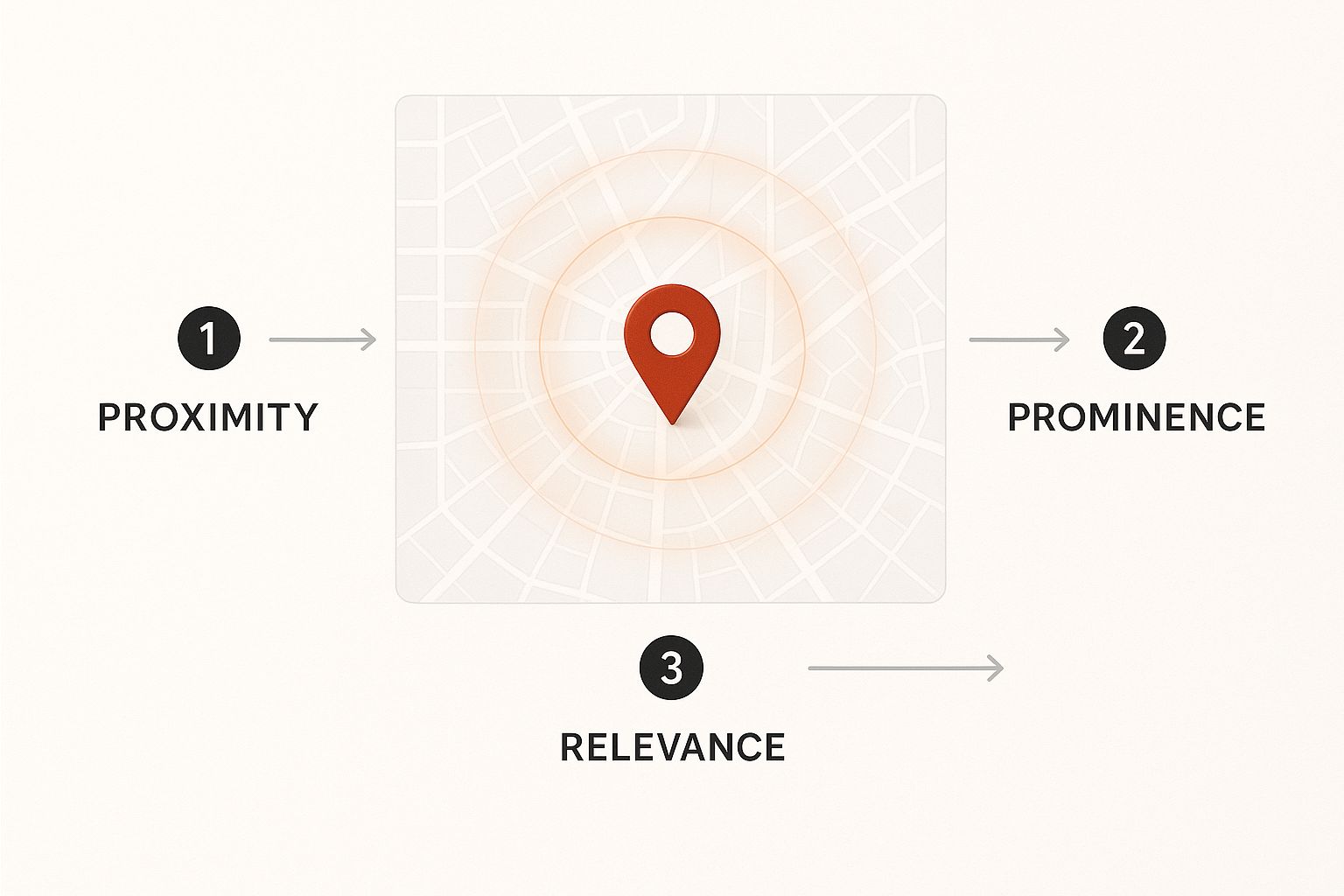
As you can see, your visibility is a mix of your physical location and your digital reputation. If you let one area slide, it weakens your entire foundation, no matter how strong the other two are.
To make this crystal clear, here’s a quick breakdown of the core ranking factors and how you can directly impact them.
Core Google Maps Ranking Factors at a Glance
Thinking about your local SEO efforts through this three-pillar framework will help you prioritize what needs to be done to see real movement in your rankings.
Why This Matters for Your Bottom Line
Learning how to rank higher on Google Maps isn't just a marketing exercise; it has a direct and measurable impact on your revenue. Consider that a huge number of consumers use Google Maps to find local businesses, with most of them choosing from the top few results.
This makes your Google Business Profile your single most important local marketing asset. A completely filled-out and actively managed GBP is arguably the most crucial ranking factor for any local business. As one industry study points out, a strong GBP is a game-changer for local search.
The very first step is to claim and take full control of your profile. Google Business Profile is a free tool that acts as your command center, allowing you to influence both your relevance and prominence signals. It's where you'll tell your story and manage the information customers see about you across all of Google.
Getting Your Google Business Profile Dialed In
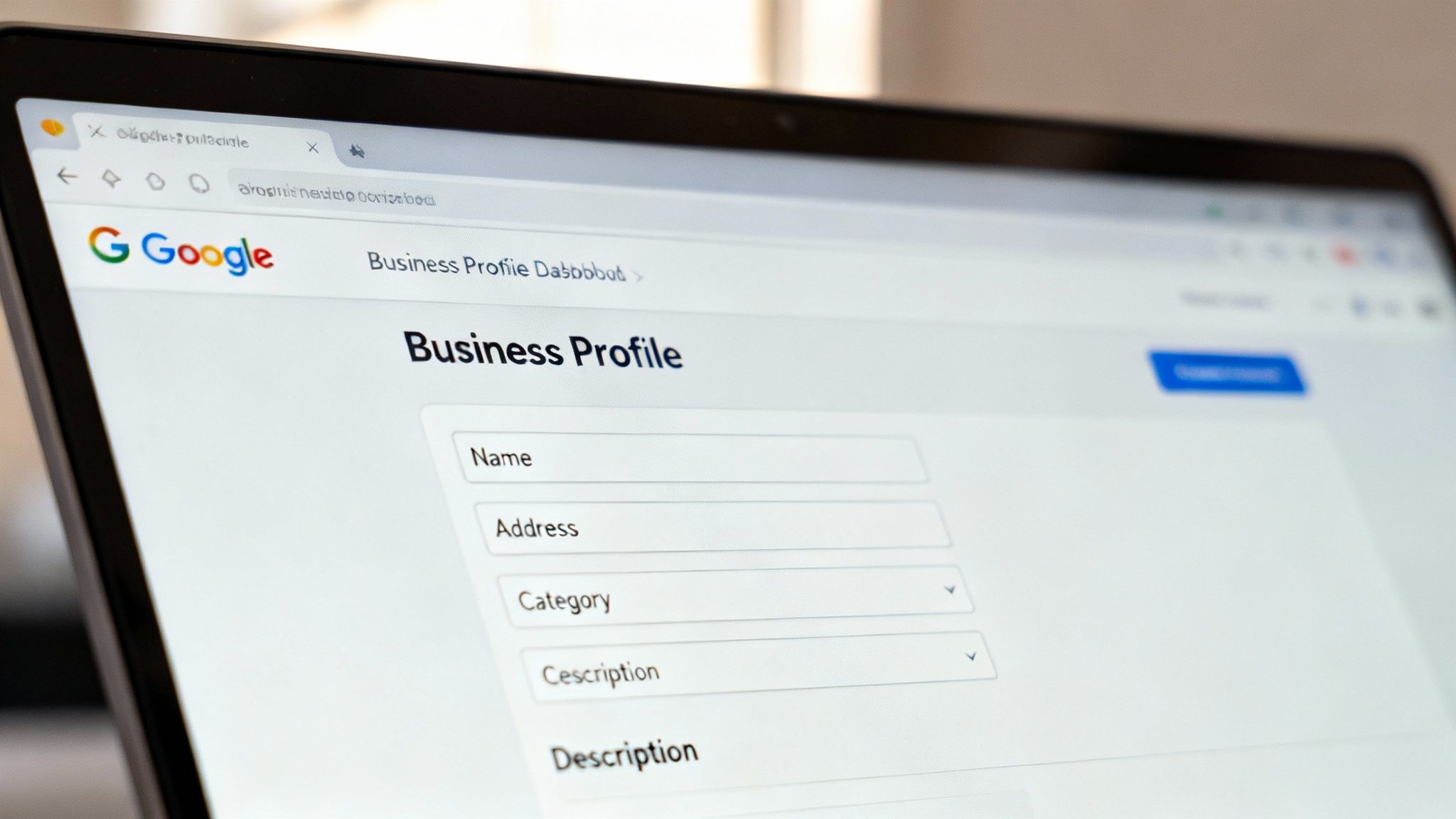
Think of your Google Business Profile (GBP) as your shop window on the world's biggest street. It's usually the first thing a local customer sees, making it your most important tool for ranking on Google Maps. Just having a profile isn't enough. The real magic happens when you transform it from a simple listing into a rich, helpful resource for potential customers.
Let's walk through how to do that, focusing not just on filling out the fields, but on filling them out strategically to give Google exactly what it wants to see.
Nail Your Core Business Information
This is the absolute foundation. If your core business information is shaky, the rest of your efforts will suffer. Google gets spooked by inconsistencies because it creates doubt about whether you're a legitimate, operational business.
It all starts with your NAP (Name, Address, Phone Number). These three details need to be a perfect match everywhere they show up online, from your website's footer to every single local directory. I've seen rankings suffer from tiny mistakes like "St." on one site and "Street" on another, or a suite number missing from a listing. It all matters.
And for your phone number? Always use a local number with your area code. It's a small but powerful trust signal that tells Google you're truly part of the local community.
Key Takeaway: Consistency is everything. Before you touch anything else, do a quick audit of your NAP across the web. Get it 100% consistent, and you've already fixed a major potential problem.
Choose Categories That Attract the Right Customers
Your business category is one of the most important ranking factors in your GBP. It’s how you tell Google, "This is what I do, and these are the searches I should appear for."
The best way to approach this is to think like your customers. What words are they typing into that search bar? Your categories should be the answer.
Craft a Compelling Business Description
You have 750 characters for your business description. Make every one of them work for you. This is your elevator pitch, and it's a golden opportunity to weave in important keywords while showing off your brand's personality.
Don't just list what you sell. Tell a quick story. Instead of "Bakery with bread, croissants, cakes," try something like, "Your friendly neighborhood bakery, serving handcrafted sourdough bread, flaky croissants, and custom cakes made from locally sourced ing