
You've built a great website for your business, but now comes the real challenge: getting people to actually see it. If your marketing budget is tight, or nonexistent, you might think you're out of options. The good news? You're not. Promoting your website for free isn't just possible; it's one of the smartest ways for small businesses and entrepreneurs to build a solid online foundation without expensive ad campaigns.
This guide gets straight to the point. We will break down seven of the most effective free platforms you can use today to drive meaningful traffic and attract the right customers. We’ll go beyond simply listing them and show you exactly how to use each one, complete with actionable steps, direct links, and screenshots to guide you. For a modern approach to optimizing your website's visibility and attracting organic traffic without spending a dime, consider exploring an AI SEO checklist to complement these strategies.
Each platform covered, from Google Business Profile to Pinterest, offers a unique way to connect with your audience. This list is your roadmap for leveraging these powerful tools to increase visibility and grow your business online, all with a budget of zero. Let's get started.
1. Google Business Profile
For any business targeting local customers, a Google Business Profile (GBP) is a must-have. It's a free, high-impact listing that appears directly in Google Search and Google Maps, putting your business in front of customers who are ready to buy. Think of it as your digital storefront on the world's largest search engine, a critical first step in promoting your website for free.
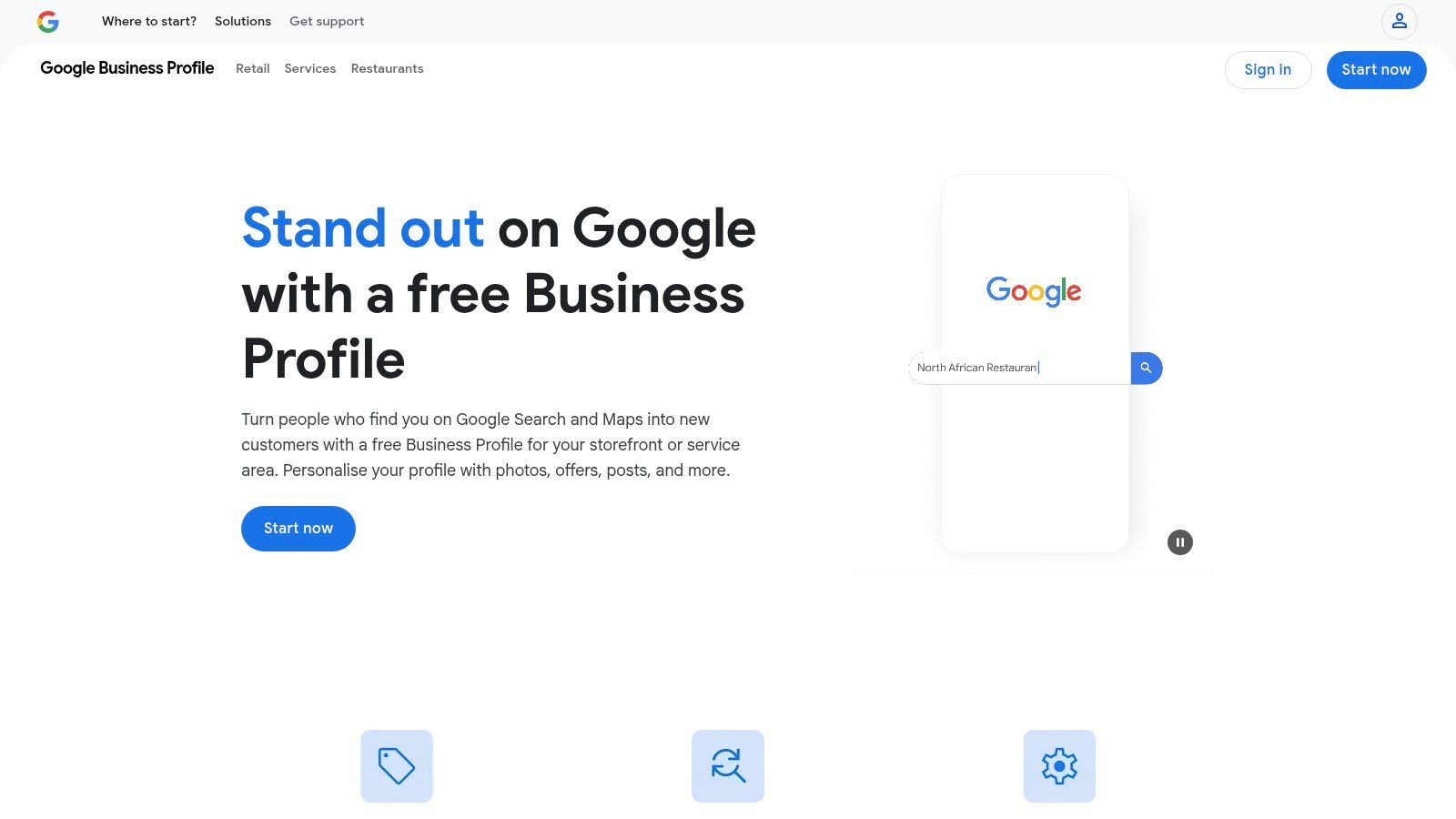
What makes GBP so powerful is how deeply it's integrated into Google's services. Your profile isn't just a static listing; it’s a dynamic promotional tool. You can publish posts about sales, share company news, create special offers, and list events. All of these appear directly in search results. This visibility often puts you ahead of organic search results, giving you prime digital real estate at no cost.
How to Maximize Your Google Business Profile
To get the most out of your free listing, focus on completing every section and keeping it updated. An active and detailed profile tells Google that your business is relevant and open for business.
-
Complete 100% of Your Profile: Fill out your business name, address, phone number (NAP), hours, and categories. Add your website link. This is a direct, free traffic driver.
-
Upload High-Quality Photos: Showcase your products, services, location, and team. Profiles with photos get more clicks and requests for directions.
-
Utilize Posts and Offers: Regularly use the "Posts" feature to announce specials or new blog content. This keeps your profile fresh and engaging.
-
Encourage and Respond to Reviews: Positive reviews are a huge local ranking factor. Actively ask satisfied customers for a review and always respond to new ones, both positive and negative.
-
Enable Messaging: This feature lets potential customers contact you directly from your profile, making it easier to capture leads instantly.
Your GBP is a foundational element of local SEO. While it is a powerful free tool, you can enhance its visibility further with paid options. To understand how this fits into a broader local strategy, explore this resource about the value of local service ads for small businesses.
Pros and Cons of Google Business Profile
Pros
Cons
High-Intent Traffic: Catches users actively searching for you.
Verification can sometimes be a lengthy process.
Zero-Cost Promotion: A free spot on Google Search and Maps.
Profile edits or posts can occasionally be delayed by policy checks.
Builds Trust: Reviews and Q&A features establish credibility.
Some users report occasional glitches or temporary feature bugs.
Link: Google Business Profile
2. Bing Places for Business
While Google dominates the search landscape, ignoring Bing means missing out on a big piece of the pie. Bing Places for Business is Microsoft's answer to Google Business Profile. It offers a free listing that appears in Bing Search and Maps. This is a simple, low-effort way of promoting your website for free to an audience that uses Windows, Microsoft Edge, and other Microsoft products.
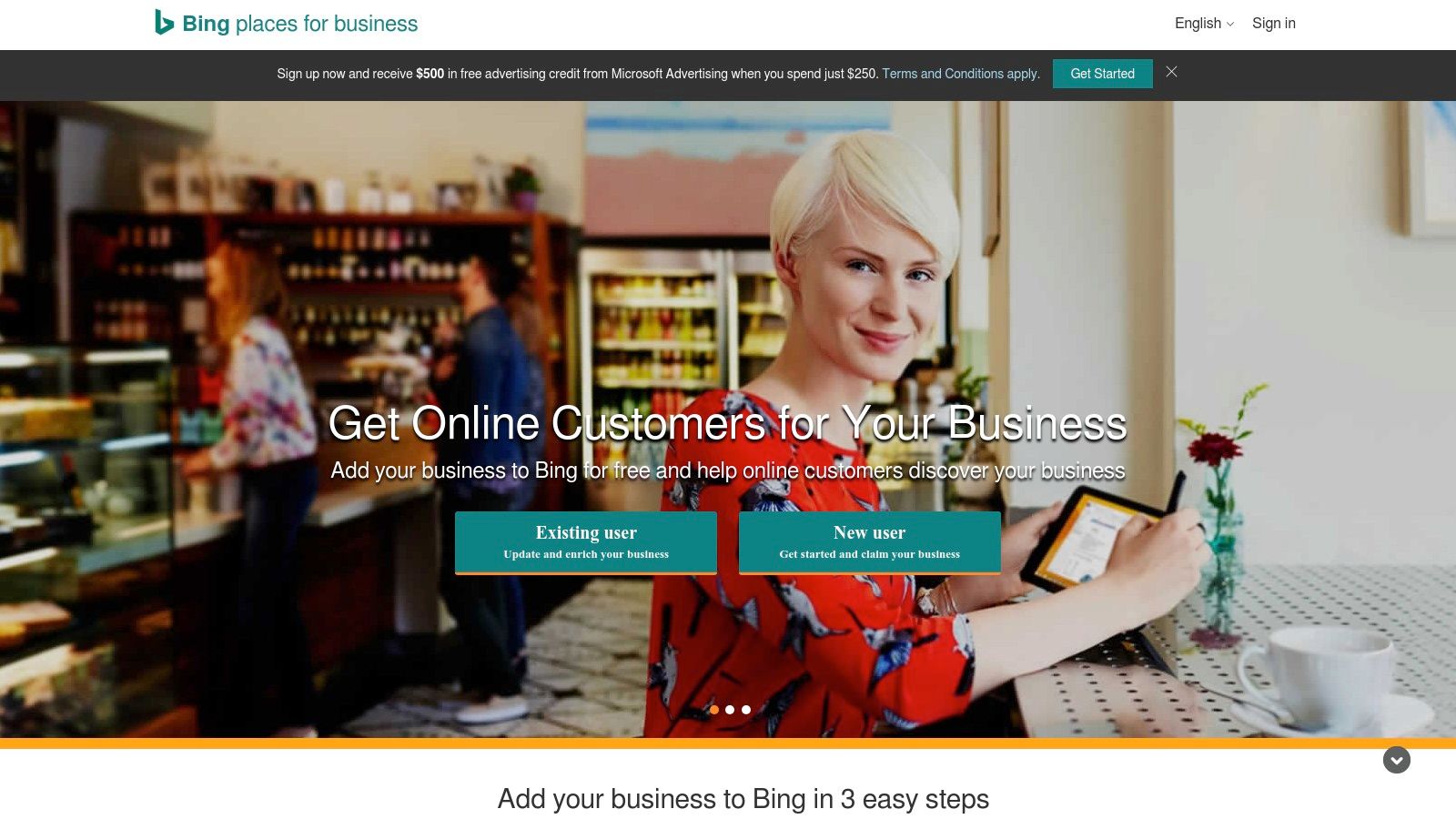
What makes Bing Places a must-have is its "set it and forget it" potential. The platform is designed for efficiency. It even lets you import your existing Google Business Profile data directly. This means you can create a complete, media-rich listing in minutes, gaining valuable visibility on the world's second-largest search engine with minimal extra work. For businesses with multiple locations, Bing supports bulk uploads, simplifying management significantly.
How to Maximize Your Bing Places for Business
Getting the most from your Bing listing involves the same principle as Google: complete, accurate, and engaging information signals trustworthiness to both Bing and its users.
-
Import from Google Business Profile: The fastest way to get started is by using the import tool. This syncs your business name, address, phone (NAP), hours, photos, and website link instantly.
-
Complete All Fields Manually: If not importing, fill out every available section. Add high-quality photos of your storefront, products, and team to make your profile stand out.
-
Select Accurate Categories: Choose the most relevant categories for your business to ensure you appear in the right local searches.
-
Keep Information Current: Just like with any business listing, regularly check that your hours, address, and contact details are up to date, especially after holidays or special events.
-
Utilize Deals or Announcements: While less robust than Google's "Posts," you can add special offers or announcements to attract local searchers.
Bing Places for Business is a strategic, complementary tool. It ensures your business is visible across the entire search market, capturing traffic from users who have Bing as their default search engine on Windows devices and other platforms.
Pros and Cons of Bing Places for Business
Pros
Cons
Free Exposure on Bing: Captures traffic from the Bing and Windows ecosystem.
Bing has a significantly lower market share compared to Google.
Effortless Setup: You can import your Google Business Profile in minutes.
The user base is generally smaller, leading to less traffic volume.
Less Competition: Fewer businesses actively manage their Bing profiles.
The feature set is less extensive compared to Google’s platform.
Link: Bing Places for Business
3. Yelp for Business (Free Business Page)
Beyond Google, Yelp is a heavy
-